Pricing

Music store work orders and repairs

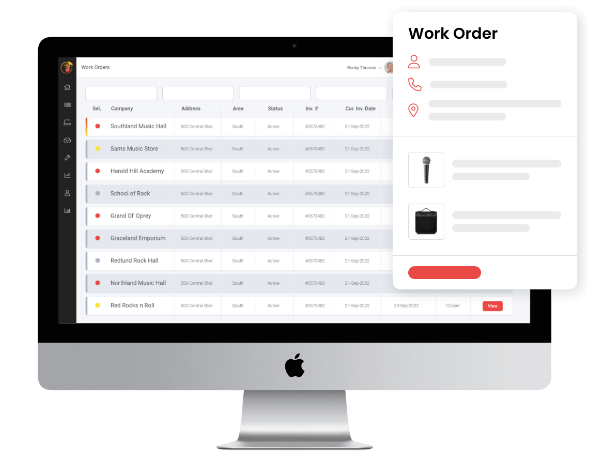
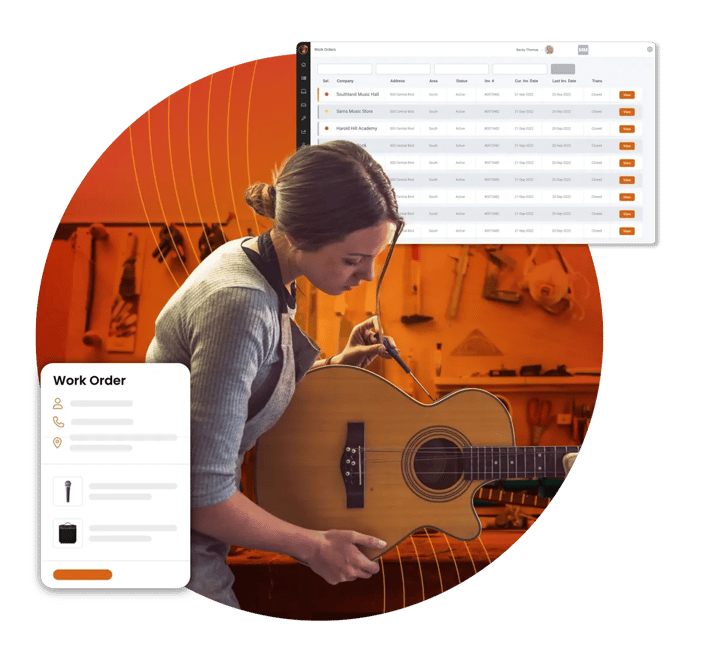
With Music Shop 360, music store work orders and repairs are fully integrated into your point of sale (POS) system, so you can track jobs, bill accurately, and deliver a better customer experience.
Music store work orders and repairs

How music shop work orders flow through your POS

From intake to checkout, every step of the repair process is tracked in your Music Shop 360 POS system. 

1. Create the work order

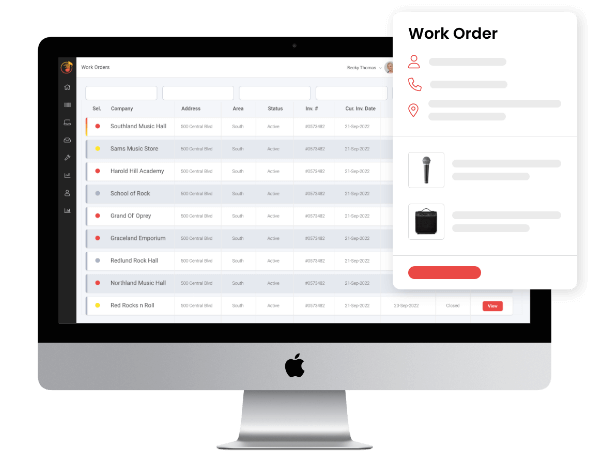
When a customer brings in an instrument, create a work order in your POS to capture the repair details and customer information up front. 

2. Assign and track the work

Assign the job to a technician and track its progress with notes and status updates as the repair moves forward. 

3. Use templates for common repairs

Speed up intake and keep pricing consistent by using templates for common services like instrument setups, cleanings, and adjustments. 

4. Manage complex repairs in one place

Group multiple services under a single work order so you can track each part of the repair clearly, even for more involved jobs. 

5. Communicate with the customer

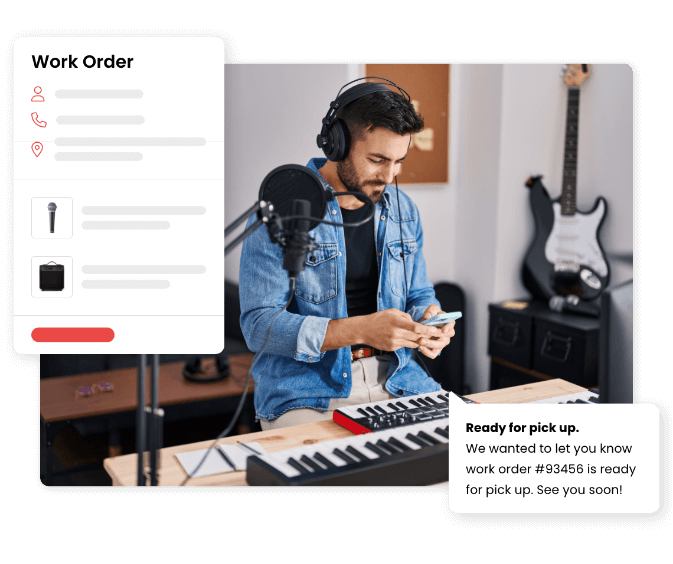
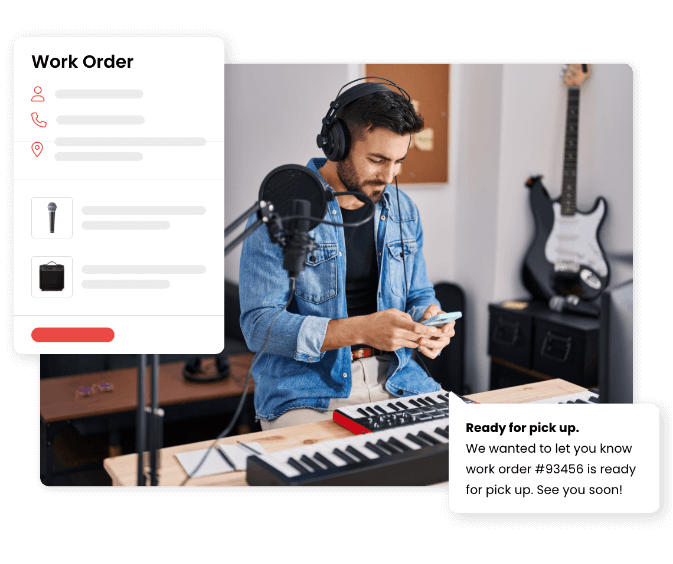
Keep customers informed throughout the repair process with updates on status, delays, or when the instrument is ready for pickup. 

6. Convert the work order into a sale

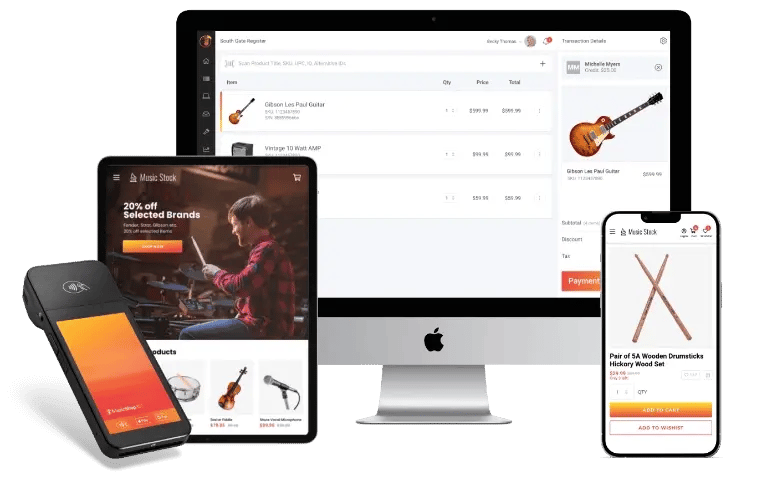
When the instrument repair is complete, convert the work order into a sale so parts and labor are included and ready for checkout. 

7. Track inventory and performance

Update inventory as parts are used and track repair activity to understand performance, turnaround times, and service revenue. 

Why music store work
orders are beneficial

Work orders in Music Shop 360 keep your instrument repairs organized, reduce errors,
and make it easy to track every job from intake to completion — all within a single solution.

Fewer mistakes
MS360-work-order
Better customer experience
Stronger shop visibility

Every job is captured and tracked inside your POS, so nothing gets lost or forgotten.

Clear technician assignments and job tracking help repairs move through the shop efficiently.

Customers get consistent updates and a smoother, professional repair process.

You always know what’s in progress, what’s complete, and what’s waiting.

Built-in features for music store instrument repairs

Music Shop 360’s built-in tools help you manage instrument repairs efficiently from start to finish.

Text message-icon

Text message notifications

Send SMS updates to customers directly from the work order.

Multiple work orders per transaction

Multiple work orders per transaction

Handle a full-service transaction under one customer ticket.

Photo documentation

Photo documentation

Attach images to work orders at intake to document condition, highlight problem areas, and protect against disputes.

Job grouping

Job grouping

Organize tasks within a work order to match your shop’s workflow.

Job templates

Job templates

Create reusable templates for your most common repairs.

Three-decimal service pricing

Three-decimal service pricing

Price services with the precision your margin requires.

Printer-icon

Split service tickets

Print separate job tickets for the bench and the counter.

Custom form styling

Custom form styling

Adjust form layouts and branding to match your shop’s identity and service intake process.

FAQs: Instrument workorders and repairs

Can I manage instrument repairs and retail sales in the same system?

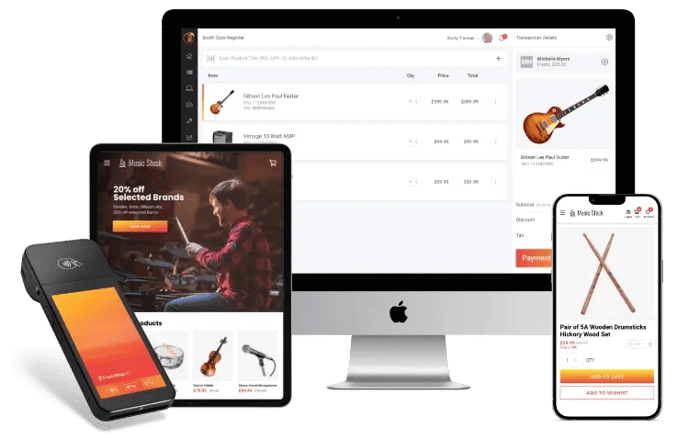
Yes. Music Shop 360 is an all-in-one POS system that lets you manage music store work orders, instrument repairs, inventory, and retail sales in one place.

Can one customer drop off multiple instruments at the same time?

Does Music Shop 360 support shops with multiple repair technicians?

How precise can I get with repair pricing?

Can I customize the work order forms for my music store?

Is the work order system part of the main POS or a separate add-on?

See how Music Shop 360 manages repairs and work orders

Schedule a demo today to see how Music Shop 360 helps you track repairs, manage work orders, and keep your shop organized from intake to pickup.