




Music Store Inventory Management Software: 7 Features & Top Providers
Missing tap-to-pay options? Is your online inventory out of sync with in-store totals? Do you manually notify customers when their instrument repair is ready?
You’re struggling with an outdated point of sale (POS) system.
Most POS systems are considered outdated after five years. But hardware tech often lags behind software updates, so your system’s actual useful life may be closer to three years.
POS systems cost money to maintain. Switching to a new one requires downtime and integration work. You might think you can limp along with your slow system for another year or two.
That delay is costing you more than you realize.
This blog breaks down 11 signs your POS system is holding your music store back — and what a modern, music-specific system can do to fix them.
1. Limited Payment Options Are Costing You Sales
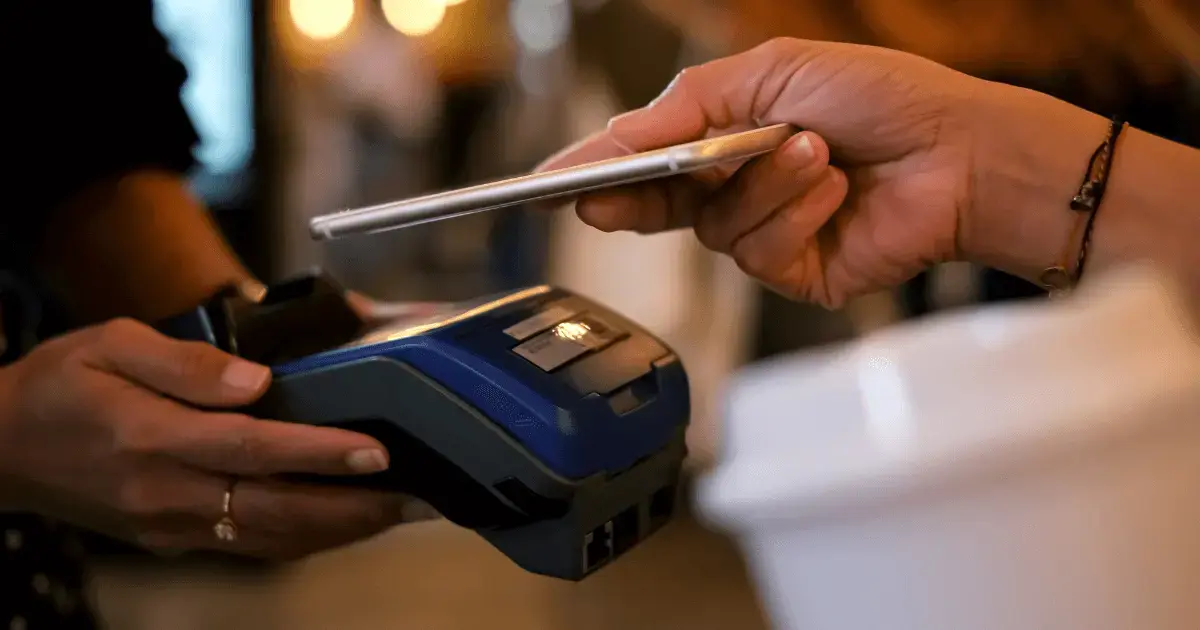
Contactless payments now make up more than half of in-person card transactions. Your customers expect flexibility — debit and credit cards, tap-to-pay, Apple Pay, Google Pay, and buy-now-pay-later (BNPL) options. Modern shoppers want choices at checkout.
Your POS should:
- Accept contactless payments, including tap cards, Apple Pay, Google Pay, and Samsung Pay.
- Process BNPL options like Affirm or Klarna for guitars, drum kits, and other high-ticket equipment.
- Handle split payments across multiple cards.
- Support digital wallets.
- Continue processing transactions when the internet drops.
Tap-to-pay speeds up each transaction by eight seconds on average. Over 40 transactions on a busy Saturday before band season add up to more than five extra minutes to help parents find the right trumpet or answer rental questions.
Related Read: 5 Easy Ways To Offer Musical Instrument Financing at Your SMB
2. Manual Checkout Processes Slow Everything Down
Slow, manual processes kill efficiency during peak hours. Your cashier looks up guitar serial numbers in a spreadsheet. They calculate band director discounts by hand. They walk to the back office to process a return on damaged drumsticks.
Your POS should:
- Scan barcodes instantly without multiple attempts.
- Apply loyalty discounts and educator pricing automatically when customers provide their phone numbers.
- Process refunds in under 30 seconds from anywhere in the store.
- Print or email receipts based on customer preference.
- Let staff complete transactions using tablets while helping customers on the floor.
Modern POS systems can reduce transaction times by 30%. Serve customers faster during back-to-school season, and you can help 13 families in the time it used to take to help 10. When a drum teacher walks in during the Saturday rush, ring up their bulk stick order without leaving the drum section.
3. You Can’t Track Customer Purchases Easily
Customers you track spend 12–18% more per year than customers you don’t. Your staff can’t remember every customer’s purchase history. They can’t recall which guitars each customer owns or when they last bought picks. They definitely can’t track whether someone prefers bronze or phosphor bronze acoustic strings.
Your POS should:
- Display full purchase history instantly when staff look up customer accounts.
- Flag customers due for routine replacements (strings, drum heads, reeds).
- Show products each customer browsed but didn’t buy.
- Track rental history and instrument preferences.
- Alert staff when regular customers enter the store.
A student rents a clarinet for two years. Your system flags them as ready to purchase their own instrument when they walk in. That tracking can turn a rental customer into a buyer.
Related Read: 7 Music Store Customer Management Ideas To Drive Sales
4. Marketing Messages Are Hard To Send or Automate
You have a database of band students, guitar lesson customers, and parents who’ve rented instruments. That’s valuable if you actually use it.
Your POS should:
- Send automated email campaigns to your customer database.
- Text customers using SMS marketing.
- Trigger birthday offers automatically based on customer profiles.
- Use purchase history to create targeted marketing campaigns.
- Track which messages drive customers back to your store.
Automated marketing reminds customers to return. Keeping just 5% more customers can boost profits by 25%. Each fall, 200 students rent instruments. Automated texts sent when rentals expire bring them back to extend or buy — all without any manual follow-up calls.

5. Inventory Data Is Out of Sync or Inaccurate
Your system shows three violins in stock. You check the back room and find zero. That’s phantom inventory. A customer sees a drum kit marked “In Stock” on your website. They drive 30 minutes to your store. It sold this morning, but your website hasn’t updated.
Average inventory accuracy sits at 83%. Most music stores operate with inaccurate counts and don’t realize how much revenue they’re losing.
Your POS should:
- Update omnichannel inventory counts instantly when products sell.
- Sync inventory across all stores in real time.
- Track item availability and movement by location.
- Flag discrepancies during physical inventory counts.
- Alert you when stock hits reorder points.
- Show consolidated inventory across all your locations.
Without real-time inventory tracking, you could be telling customers you have trumpets and keyboards that sold yesterday. Stockouts cause $1 trillion in missed global sales annually. Global brands like Walmart can absorb many of these missed sales. As an independent music store, you can’t.
6. Repairs and Services Are Difficult To Manage
A customer drops off a clarinet for a pad replacement. Your staff scribbles the details on a paper form and files it in a drawer. Three weeks later, the customer calls. Nobody can find the paperwork or locate the clarinet.
Your POS should:
- Create digital work orders when customers drop off instruments.
- Track repair status and manage work orders.
- Notify customers automatically when repairs finish.
- Calculate repair costs, including parts and labor.
Digital systems create permanent records, and any staff member can access them instantly. Automated notifications keep customers informed without requiring manual calls.
7. Rentals Cause Confusion and Extra Work
Without proper rental tracking, you don’t know which instruments are rented versus available for sale, when rental periods end, or which customers are overdue on returns.
Your POS should:
- Track which specific, serial-numbered instruments are rented.
- Calculate rental fees automatically, including late charges.
- Send automatic reminders when rental periods end.
- Flag overdue rentals.
Set up automated workflows once. The system tracks deposits, sets rental periods, calculates monthly charges, and sends payment reminders. Rental tracking turns a messy side operation into reliable revenue.
8. You Lack Real-Time Sales Insights
You’re trying to decide whether to order more guitar strings. Last month’s sales numbers are in a spreadsheet somewhere. You think D’Addario strings sold well, but you’re not sure which gauges or price points moved fastest.
Your POS should:
- Show sales data updated instantly as transactions complete.
- Break down sales by product category, brand, employee, and time frame.
- Compare current sales to previous periods.
- Identify top-selling products and worst-performing inventory.
- Calculate profit margins on each product category.
Pull up a dashboard showing drum sticks trending up this week while keyboard benches aren’t moving. Adjust your purchasing immediately, rather than ordering based on outdated assumptions. Real-time data turns guesswork into precision.
Related Read: 15 Music Store Metrics You Need To Track
9. Employee Performance Tracking Is Complicated
You manage five sales associates. Some consistently hit sales targets, while others struggle. Without performance data, you’re guessing about who needs training and who deserves recognition.
Your POS should:
- Calculate individual sales totals by day, week, and month.
- Track average transaction value per employee.
- Show which staff members sell the most high-margin products.
- Identify top performers and struggling staff through detailed sales reports.
One employee consistently sells more accessories alongside instrument purchases. Another struggles to upsell beyond the initial sale. Performance data shows you exactly who’s skilled at suggesting strings, cases, and stands — and who needs coaching on cross-selling techniques. 59% of employees say training directly improves their performance. When your POS is intuitive and easy to learn, training new staff on upselling techniques takes hours instead of weeks.
10. Your POS Doesn’t Connect With Accounting Software
Your POS system records today’s sales. Your accountant needs that data in QuickBooks. Someone manually exports transaction data, reformats it, and imports it into accounting software. That manual process creates errors and wastes time.
Your POS should:
- Send sales data directly to QuickBooks Online or Desktop.
- Categorize transactions by department or product type.
- Sync automatically, without manual exports.
Integration saves hours of administrative work per week, and your bookkeeper always has current data. They can generate accurate financial statements without waiting for you to manually export sales reports.
11. Update Are Manual or Infrequent
Cloud-based POS systems update automatically without interrupting your business.
Your POS should:
- Download and install updates in the background.
- Add new payment processing features without hardware changes.
- Roll out new features without IT support.
- Maintain compliance with changing Payment Card Industry (PCI) standards.
Automatic updates mean you’re always running the latest version. When credit card companies release new security requirements, your system adapts to stay compliant. Everything happens seamlessly while you focus on selling instruments.
Music Shop 360: What a Modern POS Should Be
These POS tools aren’t luxury features. They’re the basics that remove the daily friction in your store.
Duplicate data entry wastes hours each week. Lost repair tickets damage customer trust and force staff to dig through filing cabinets. Slow checkouts create lines during your busiest times. Manual workarounds pull your team away from actually helping customers.
The music stores that are growing aren’t working harder — they’re working smarter. They’ve eliminated the bottlenecks, automated repetitive tasks, and invested in systems that drive growth instead of holding it back.
Music Shop 360 is a POS system designed specifically for music stores. It handles:
- Sales, rentals, and repairs in one unified platform
- Real-time inventory synced across all locations
- Automated rental tracking and customer notifications
- Employee performance tracking
- Customer communication tools, including SMS and email marketing
- Direct integration with QuickBooks
- Reports that actually help you make purchasing decisions
If your current system can’t do the things on this list, schedule a demo today for the music store POS solution that can.


Taylor has eight years of experience working closely with music stores, including two as the Music Shop 360 General Manager. His deep industry knowledge helps him develop point of sale solutions that address the unique challenges music stores face. Passionate about music and dedicated to supporting small businesses, Taylor’s mission is to empower music store owners with technology that adapts to evolving consumer shopping habits. "I’m all about giving music retailers the tools to stand toe-to-toe with the big guys. Watching small businesses succeed in this fast-paced world is what makes my job so fulfilling."